 +
+

Databricks Data Quality Partner
Trusted Data in Databricks, Powered by Lightup
Proactively monitor the health of Databricks Lakehouse data with Lightup Data Quality, enabling data teams to quickly identify data issues and remediate incidents before downstream data processing and analytics services are rendered unusable.
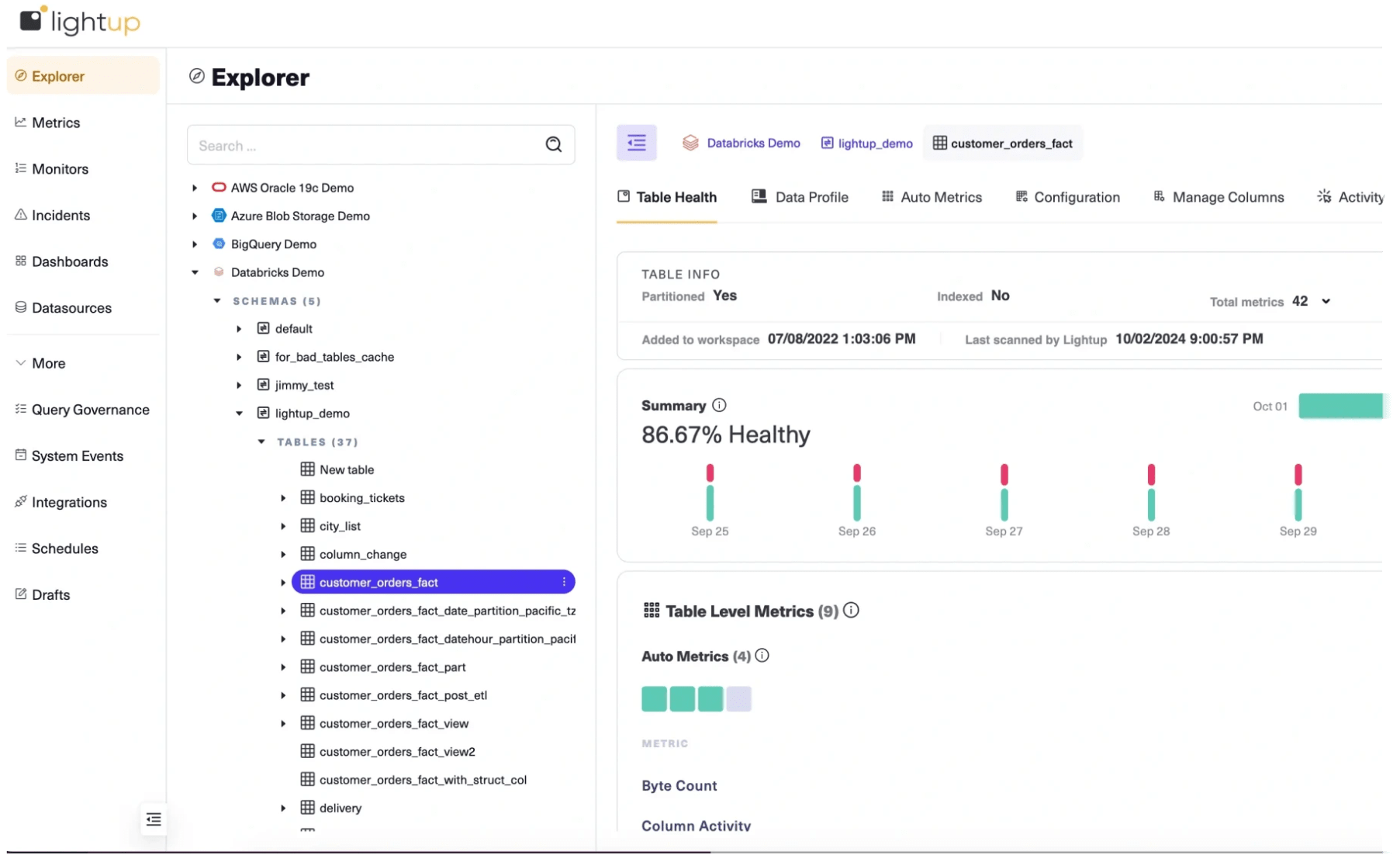
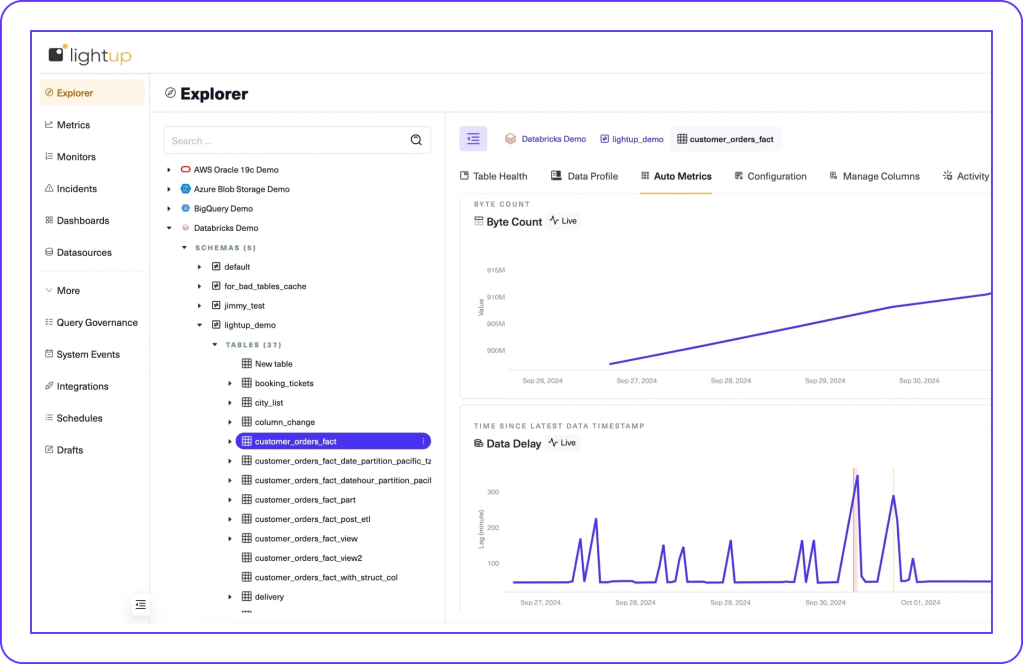
Data Quality Monitoring for Databricks
Lightup connects directly to Databricks, with full support for Unity Catalog, providing no-code, low-code, and custom SQL Data Quality Checks to ensure that data processed and analyzed in Databricks is correct, complete, and consistent — without moving or copying data the old-fashioned way.
The accuracy, precision, and reliability of Databricks data, AI/ML applications, analytics, and services depend on the quality of the data it processes. Maintaining high-quality data is absolutely critical for running workloads in Databricks with accurate output and trustworthy insights.
Ensure Trusted Data in Databricks
To help drive high confidence and trust in Databricks data, enterprises need modern Data Quality Monitoring tools that are powerful, easy-to-use, extensible, and deeply integrated with Databricks.
Enterprises turn to Lightup Data Quality for Databricks to:
- Accelerate time-to-market, deploying no-code and low-code assisted-SQL Data Quality Checks in minutes, not months.
- Identify data quality issues in real time, find the root causes, and remediate problems, preventing data outages before they occur.
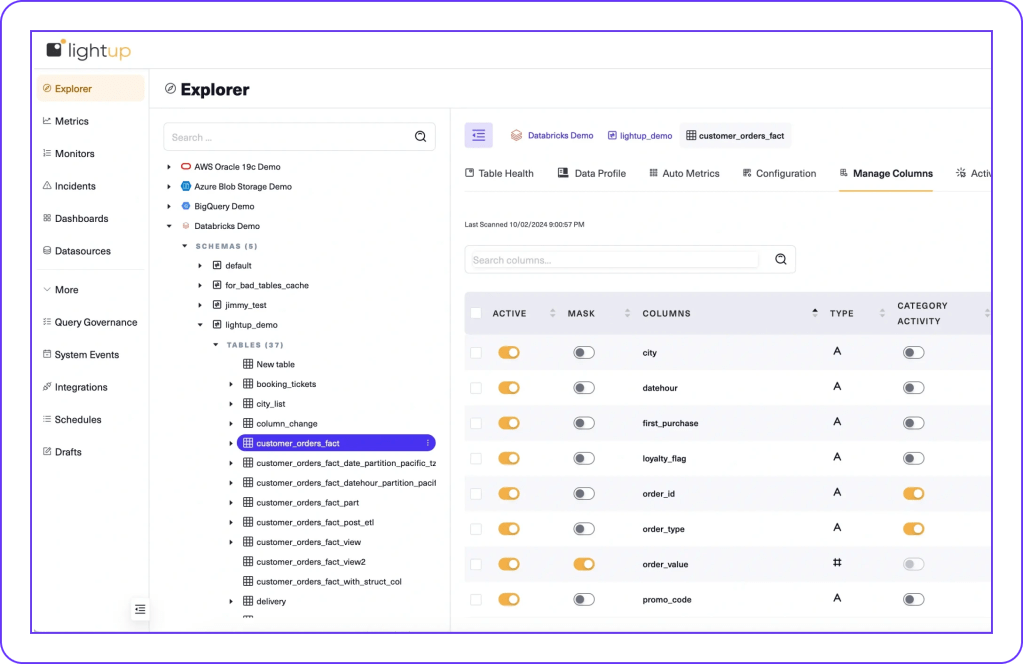
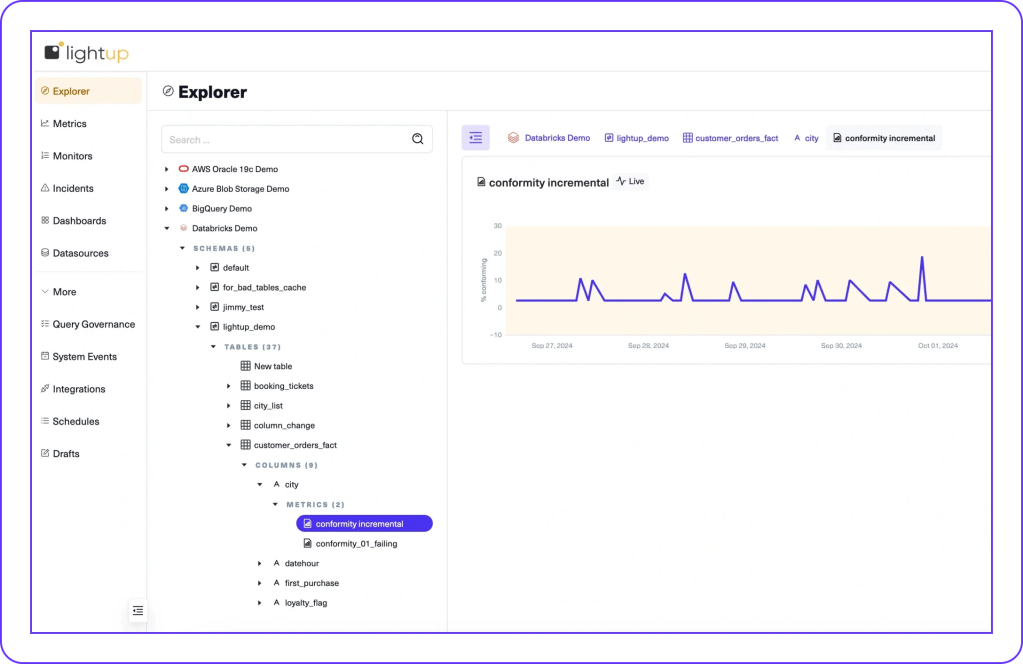
Pushdown Checks, Without Data Movement
Lightup deploys scalable Data Quality Checks 10x faster than legacy tools, optimized by:
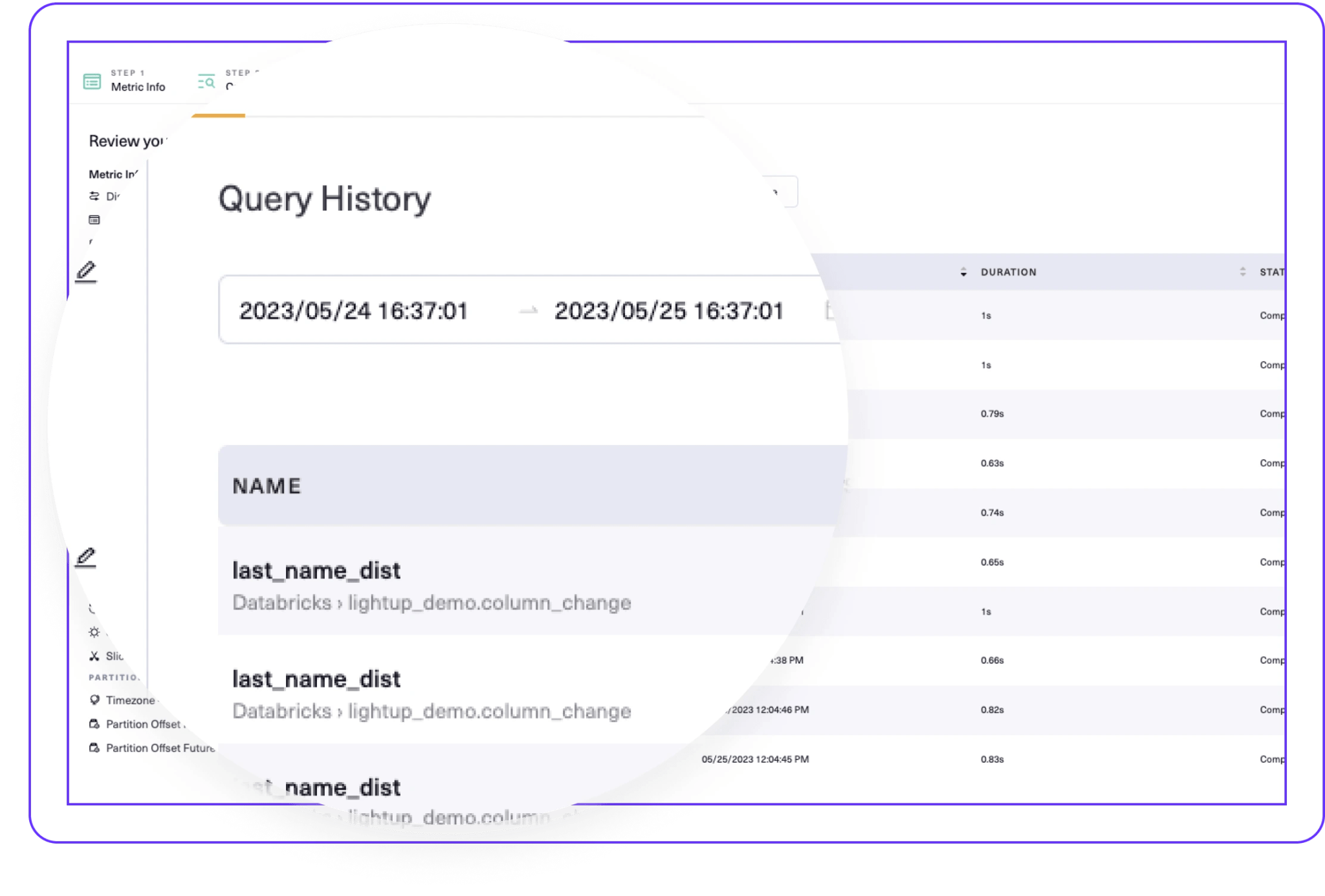
- Aggregate queries with in-place processing at the data source, without moving or copying data.
- Time-bound pushdown queries, only using delta or incremental time-ranged data.
- Partition-aware queries, only scanning specific partitions where data resides.
Query Governance
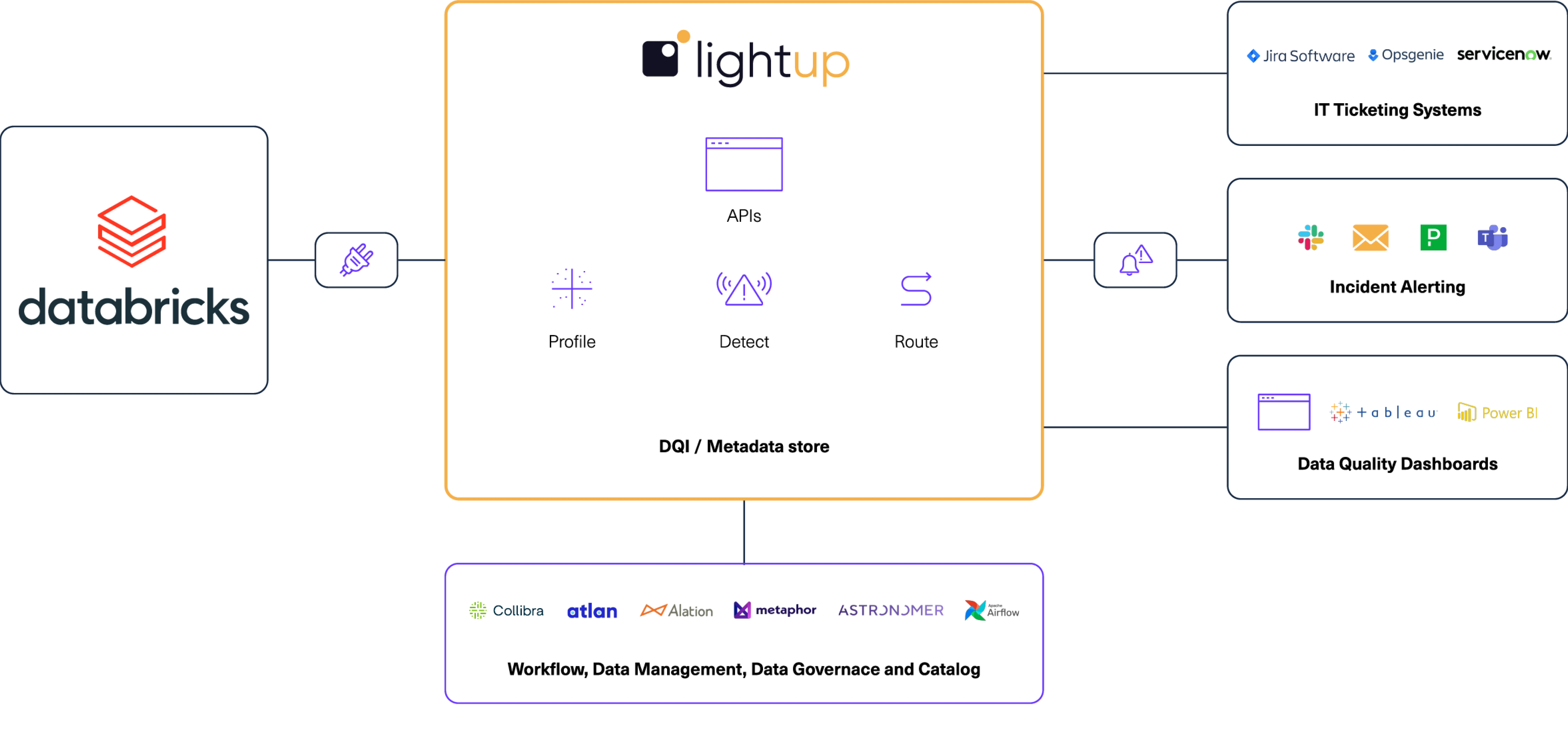
Integration Architecture
Key Benefits

Reliable Data and Insights
Fast Ramp-up, Fast ROI
Easy Custom Queries
Lightup Data Quality makes Databricks even better. The Lightup and Databricks integration enables our joint customers to monitor the quality of data in Databricks, instilling data trust on day zero.
— Lightup and Databricks Partnership
Lightup Data Quality Design Patterns for Databricks
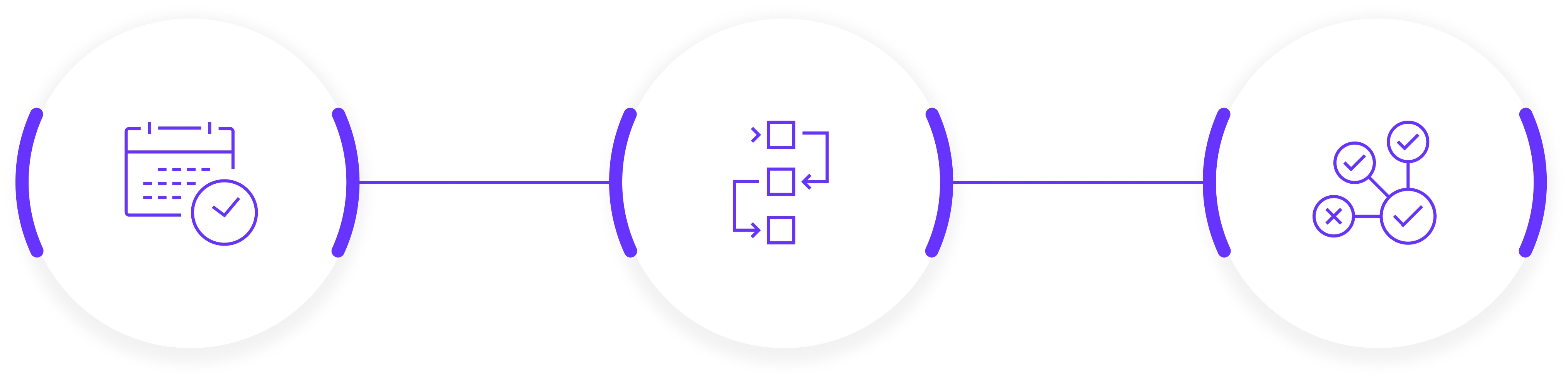
Scheduled Checks
Trigger Mode
Delta Live Tables
Get Started with Lightup Data Quality for Databricks